How to Interview Remote Employees (When You Can't Read the Room)
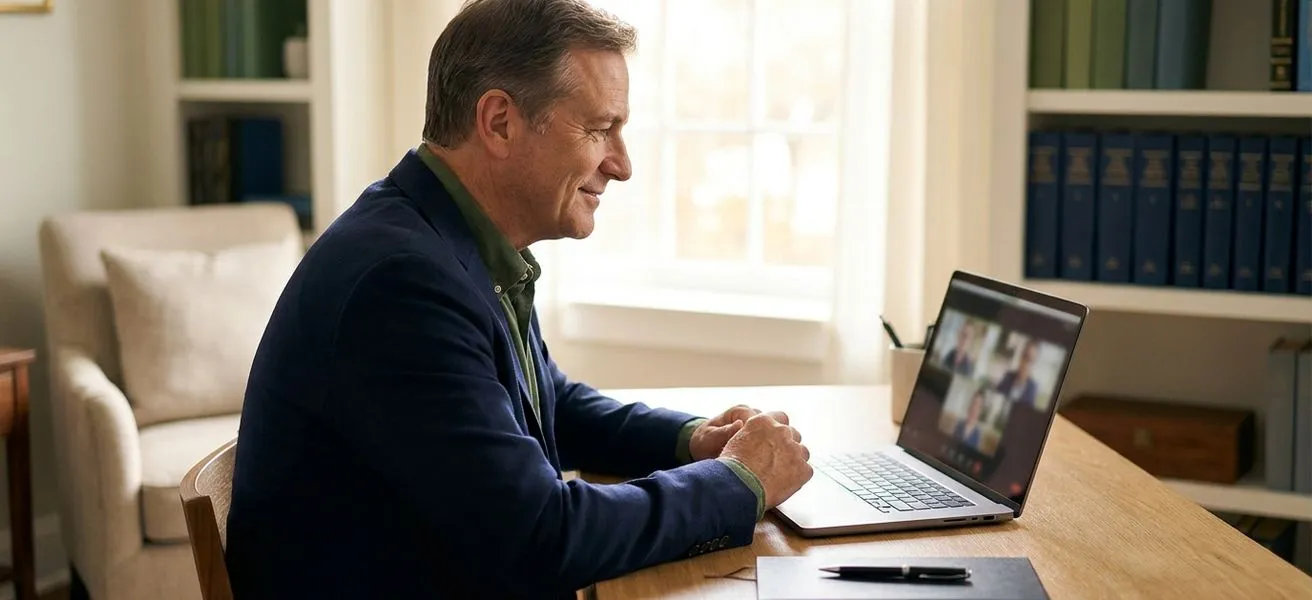
A guy I worked with last year hired a sales rep entirely over Zoom. Smooth on camera, sharp answers, great energy for forty-five minutes. Six weeks in, the rep had missed three deadlines and gone quiet for two days at a stretch. The owner called me, frustrated, and said the same thing I've heard a hundred times. "He interviewed great."
He did interview great. That's the problem.
In my 25 years training owners to hire, I've learned that a video call rewards a very specific skill, and that skill is being good on video calls. It is not the same as being good at the job. When you sit across a desk from someone, you pick up a hundred little things without trying. On a screen, most of those things vanish. So you have to go get them on purpose.
What you actually lose on video
Start by naming what's gone, because you can't compensate for a loss you haven't noticed.
You lose the arrival. In person, I watch how someone walks in. Are they early or scrambling? Did they bring a copy of their resume or show up empty-handed? Did they hold the door for the person behind them? On video they just appear in a box, already composed, the dog already shut in the other room.
You lose the body. Not just nerves. You lose the full read. Are their hands steady? Do they lean in when the work gets interesting or check out? A webcam gives you a face and a wall of shoulders. The rest is cropped off.
You lose how they treat your people. This one matters more than owners think. I've killed candidates over how they spoke to a receptionist while I watched from down the hall. Polished to me, short with her. That tells you everything. On video there's no receptionist, no parking lot, no waiting room. The candidate only ever interacts with the decision-maker, on their best behavior, for the whole call.
And you lose the facility tour. Walking someone through your shop is one of the best assessment tools I know. You see what they notice, what they ask about, whether they perk up at the work or just nod politely. You can't walk someone through your building over a webcam. So that read is off the table unless you rebuild it.
None of these losses mean you can't hire well remotely. They mean the default video interview, the friendly back-and-forth, gives you almost nothing reliable. You have to replace the signal you used to get for free.
How to rebuild the signal
The principle is simple. In person, signal comes to you. On video, you have to design it in. Every read you used to get by watching, you now have to provoke with a question, a task, or a deliberate pause.
That means three shifts. More structure, because you can't lean on gut feel from the room. More doing, because talk is cheap on camera and you need to see work. And more time, because one polished call is the easiest thing in the world to fake.
I'll walk you through the setup first, then the techniques, because a bad setup poisons everything before you ask a single question.
The setup, step by step
1. Fix your own camera and light first. This isn't vanity. If your face is a dark blur, the candidate can't read you either, and you want them relaxed enough to be real. Put a window or a lamp in front of you, not behind you. Get the camera at eye level, not pointed up at the ceiling. You're asking them to be seen clearly, so be seen clearly yourself.
2. Run a tech check that doubles as a test. Send the meeting link the day before with a simple note. "Join a few minutes early so we can confirm audio and video." How they handle this tells you something. The candidate who joins on time, camera working, sound clear, in a quiet spot, has shown you they can manage a basic remote interaction. The one who's twenty minutes late fighting with a microphone has shown you something too.
3. Decide who else joins, and when. Bring in a second person for at least part of the call, ideally someone the candidate would actually work with. Two readers catch more than one. It also lets you watch how the candidate shifts when a non-boss enters the conversation. The closest thing you'll get to the receptionist test on video is seeing how they treat a peer versus how they treat you.
4. Kill your own distractions. Close your email. Put your phone in a drawer. On video the candidate can tell when your eyes drift to a second monitor, and a distracted interviewer runs a sloppy interview. You're trying to read a person carefully. You can't do that half-present.
5. Plan to record, with permission. Ask at the top. "Do you mind if I record this so I can review it later? I don't want to be scribbling while you talk." Most people say yes. The recording lets you go back and catch what you missed live, which matters more on video because you're working with less.
Techniques that work better remotely
Some of these I'd use in person too. On video they go from helpful to essential.
Ask structured questions, the same ones, every time. When you can't trust the feel of the room, you trust the comparison. Ask every candidate the same core questions so you're judging answers against each other, not against your mood. I lean hard on behavioral questions, the kind that make someone walk you through what they actually did. If you want a full set, I laid them out in interview questions that predict performance. They work even better on video because structure is the thing video strips out.
Give a work-sample task. This is the big one. Talk is the easiest thing to fake on camera, and the candidate who interviews great is often just good at talking. So make them do a small piece of the real job. For a bookkeeper, send a messy sample ledger and ask them to find the errors. For a sales rep, have them walk you through how they'd handle a specific objection, live. For a manager, give them a short write-up of a team conflict and ask how they'd handle it. You learn more from ten minutes of someone doing the work than an hour of them describing it.
Use longer silences. On video most people rush to fill quiet because it feels awkward through a screen. Use that. Ask a real question, then stop talking. Count to five in your head before you rescue them. The candidate who sits with the silence and gives a thoughtful answer is different from the one who panics and fills the air with noise. Silence is one of the few in-person tools that actually gets sharper on video, because the awkwardness is amplified.
Hand them a real scenario from your business. Not a riddle. An actual situation you've faced. "A customer calls Friday at 4:45 furious about a late order. Walk me through your first five minutes." You're watching how they think under mild pressure, which is the closest you'll get on video to seeing them in your building.
Always run a second interview. Maybe the single most important rule for remote hiring. One good video call proves nothing. It's an audition. People can hold up a polished front for forty-five minutes far easier than they can hold it twice across two different days with two different conversations. I never hire off one interview even in person, and I always do a second interview before any offer. On video, with less signal per call, a second one is mandatory. Space them a few days apart and watch for consistency.
Judging the things a remote role actually needs
If the job itself is remote, you're hiring for more than the role. You're hiring for the ability to do it without you standing nearby. That's a separate skill, and you have to test for it directly.
Self-management is the first one. A remote worker has no one looking over their shoulder. So ask. "Tell me about a time you had a week with no one checking on you. How did you organize it? What got done?" Listen for structure in the answer, for systems and habits. Anybody can say "I'm just really self-motivated." Few can describe how.
Written communication is the second. Most remote work happens in writing, in messages and updates and short reports. So test it. Send one email before the interview with a couple of questions and see how they reply. Clear and organized, or rambling and late? In a remote role, the quality of someone's writing is the quality of half their work.
Proactive updates are the third. The remote worker who goes quiet is the one who sinks you. Ask how they keep a boss informed when nobody's asking. The good ones have a rhythm. The risky ones say they "reach out when there's a problem," which means you find out about problems last.
Remote-specific red flags
Watch for these on top of your usual list.
The candidate who can't manage the basic tech, after you gave them a heads-up. If they can't join a call on time, they'll struggle to run their own day remotely.
The one who's vague about their workspace or how they structure their time. "I just work whenever" is the absence of a system, and it's a quiet warning.
The one who badmouths a former remote setup as a way to avoid accountability. "My last job never told me what they wanted" can be true. It can also be the story of someone who never asked.
And the front-loaded charmer, great in the first ten minutes and thinner the deeper you dig. In person you might forgive it. On video, where charm is the whole game, treat early polish as a reason to dig harder. This is exactly why a quick phone screen before any video call earns its keep. It filters the smooth talkers before they eat an hour of your day.
The structure still holds
Here's what I want you to take away. Good hiring works the same way over video. Only the tools change.
I teach a 10-phase hiring system that walks an owner from the job description all the way through to the offer, and every phase still applies when you're hiring over video. The phone screen, the structured interview, the work sample, the second conversation, the reference checks. All of it. You're just running the same plays through a webcam instead of across a desk, and replacing the signals you can no longer see with ones you deliberately create.
The owner who hired the smooth Zoom rep didn't have a remote problem. He had a structure problem that video exposed. One call, no work sample, no second interview, no test of self-management. The screen didn't fail him. The lack of a system did.
Build the system, adapt the tools, and you can read people through a screen almost as well as across a desk. I dig into all of this further in The Naked Interview. Get the setup right and the structure tight, and "he interviewed great" stops being a warning and starts being the truth.
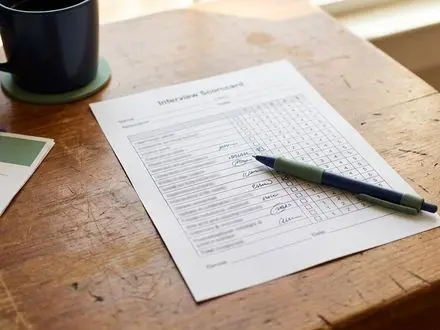
On video, structure matters even more. Use our interview scorecard to rate every candidate on the same criteria instead of going by screen presence.